PNR status

 Already installed? Open the app
Check my PNR
See if you are confirmed, and your exact berth on a diagram.
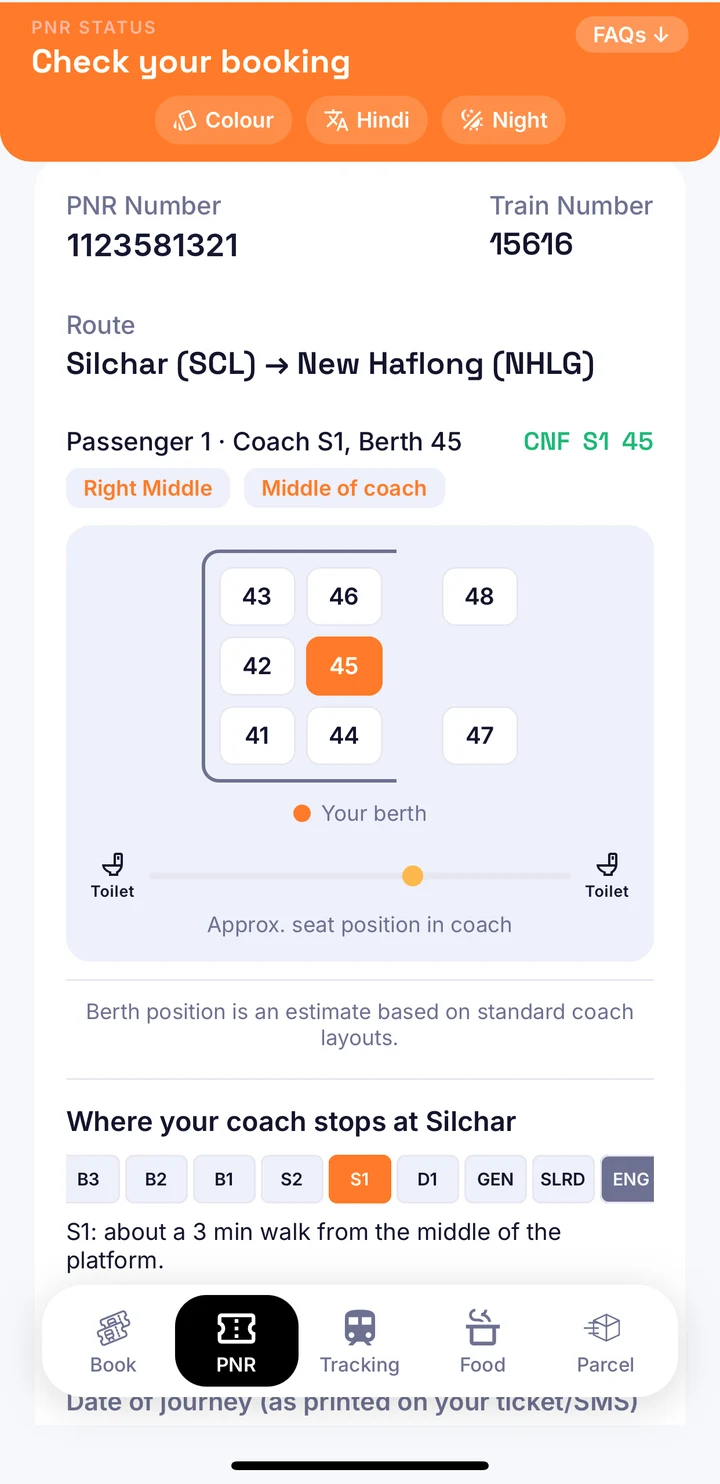
See your berth on a diagram, track the train live, and get an alert the moment your waitlist moves.
Free to start. Built by a regular train traveller, for train travellers.
Screens from the app. The floating alert cards are illustrations.
Tap a card. It opens the app page made for exactly that.
See if you are confirmed, and your exact berth on a diagram.
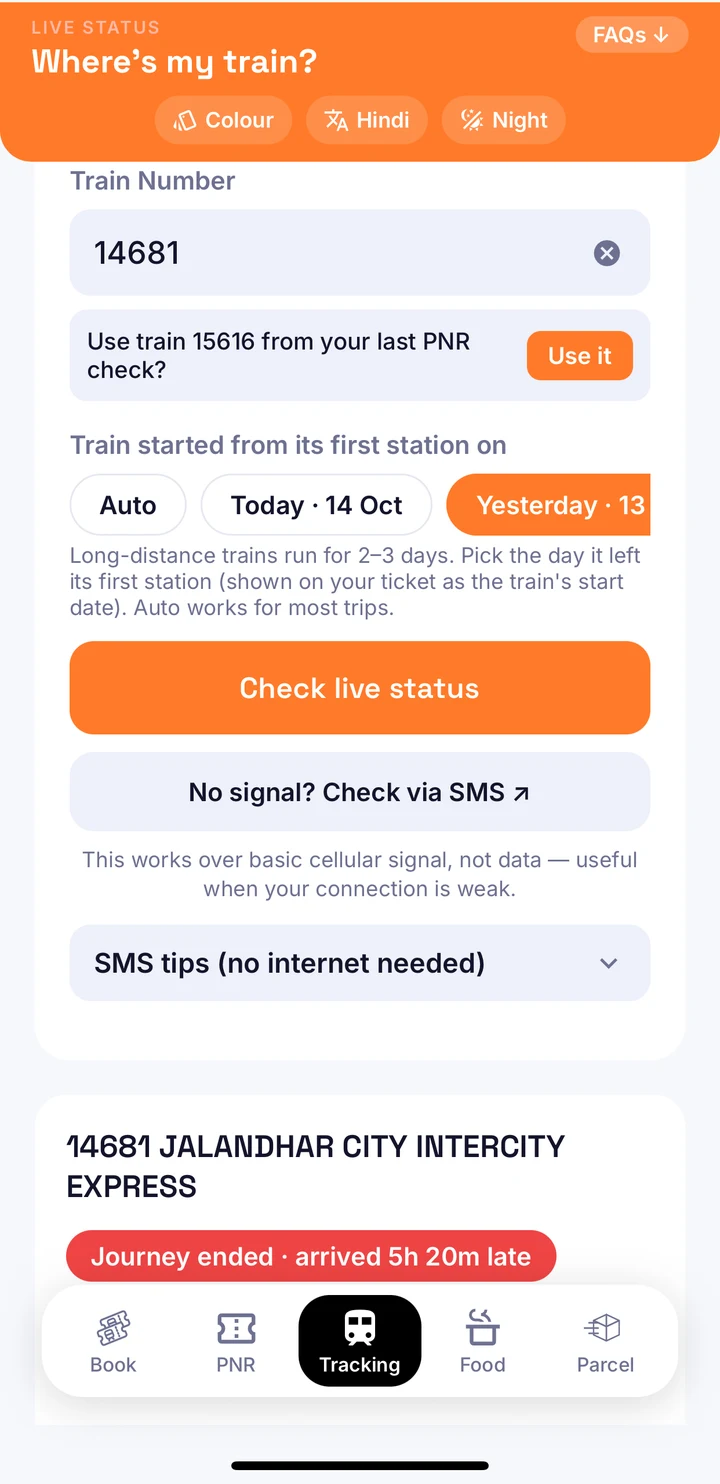
Where it is right now, how late it is, and an alert before your station.
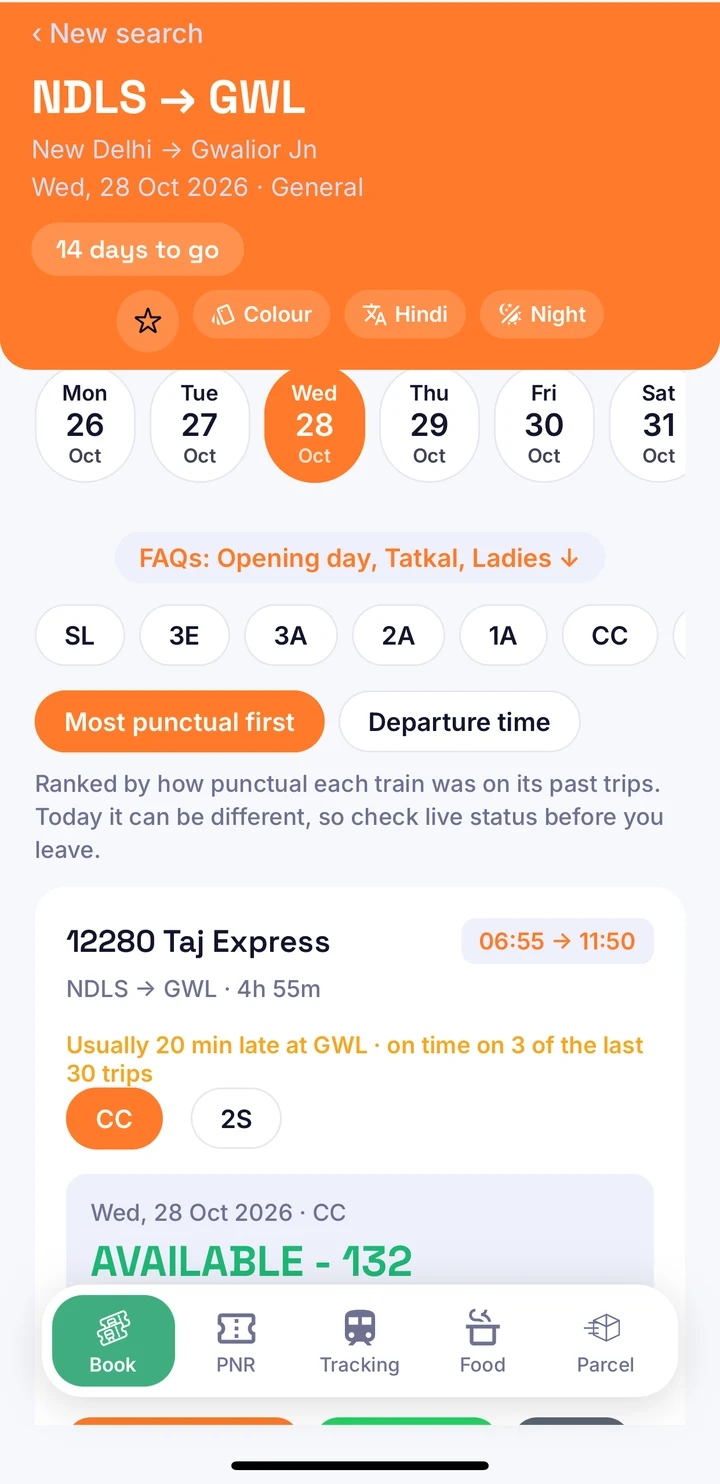
Find trains and seats, then book without leaving the app.
This is a dummy PNR with sample data. Real checks run inside the app.
Middle berths fold down for sleeping. Lower berths are the seats for everyone in the bay during the day.
PNR status, where your train is, and seats on any train. Free. A short ad plays first, and there are no banner ads. It is easier to see in the app.
From the first waitlist check to the last station, ClearBerth keeps the answers in one place.
Add your PNR once. ClearBerth tells you when the status changes, so you stop refreshing.
On the day you travel, the app shows how late the train is and when it will reach your station.
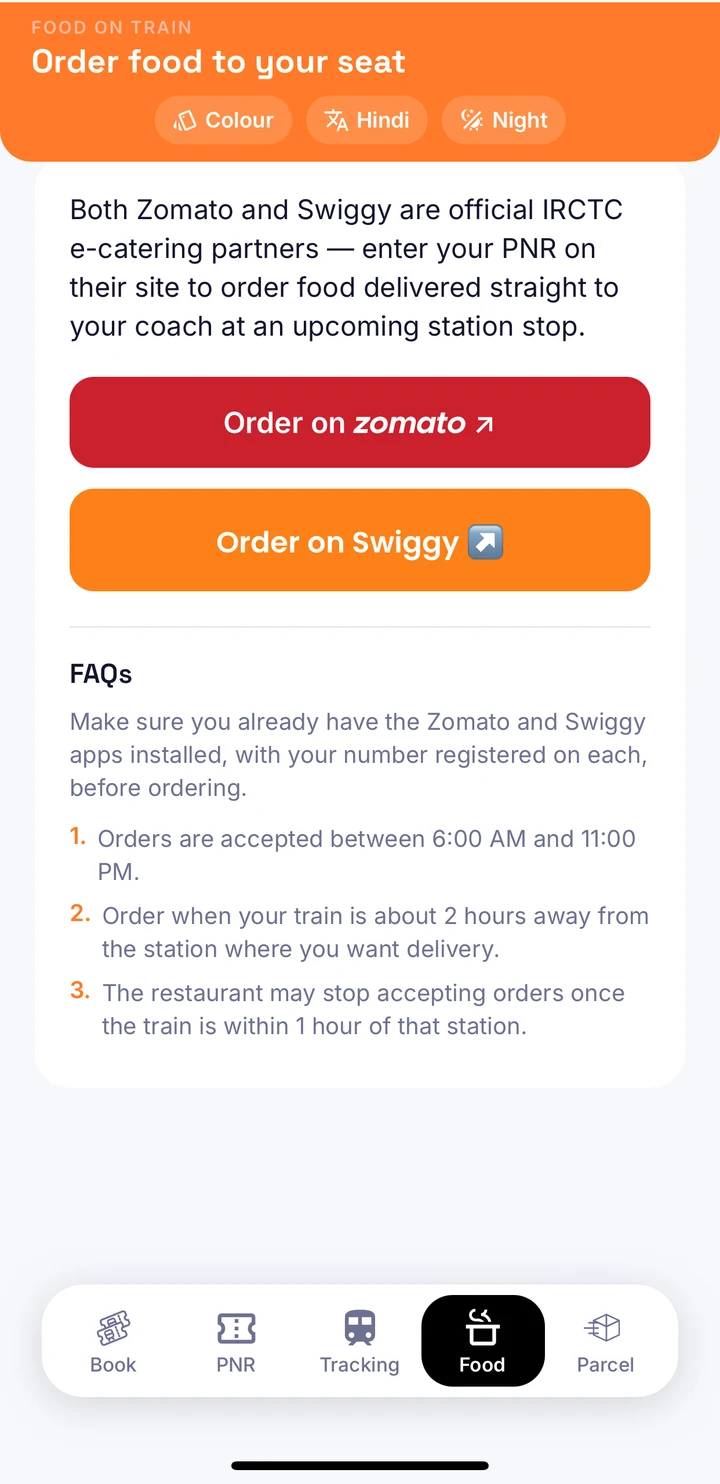
Once you are on the train, keep using the app instead of juggling three others.
A PNR is a string of numbers. ClearBerth turns it into a picture of your coach, so you know which bay and which berth are yours, and where to stand on the platform, before the train arrives.
Seat diagram and coach position, from the app.
Trains run late, and the arithmetic of delay plus scheduled time is the part nobody enjoys. ClearBerth does the sum and shows the time that matters: when the train reaches your station.
Tracking, from the app.
Buy alerts once for a journey and stop checking. You get a push notification when the PNR changes and as your train approaches, in the language you prefer.
The Book tab is built for speed. Search a route, see which trains have seats and which are waitlisted, and pick the train that usually runs on time.
Book tab, from the app.
No subscription. Check for free, and pay once for a journey only if you want alerts.
PNR status, the berth diagram and live train tracking are free, supported by short ads.
One purchase covers one journey. The price is shown in the app before you buy.
Most of the stress in Indian train travel happens before you board.
I built ClearBerth because I was the person refreshing my PNR every few minutes and doing delay maths in my head. I wanted one calm screen that answers the two questions that matter: where do I sit, and when does the train reach me. If you have an idea that would make it better, write to me.
Built by a regular train traveller, for train travellers.
Everything you need to know before you download.
Yes, to start. PNR status, the berth diagram and live status are free and supported by ads. If you want alerts, you pay once per journey. The price is shown in the app before you buy.
No. ClearBerth is an independent app made for travellers. Use it alongside IRCTC for the things only IRCTC does.
From railway data providers. Live running data can lag or change, so treat times as best estimates and always follow station announcements for anything critical.
Sleeper, AC sleeper classes, and sitting classes such as Chair Car and Second Sitting. Each shows the layout that class actually has.
Yes. The Book tab lets you search seat availability and book. After you book, your PNR is ready to track in the same app.
English and Hindi, including alerts.
ClearBerth is available on the App Store and Google Play in India.
Download ClearBerth and add your PNR in seconds.
ClearBerth's checks are free. A short ad pays for them. The result appears right after.